Station Personalization & Event Configuration
Every panel, every key, every assignment in your pocket.
Built for our clients. SPEC comes with the rack — every manager sees the whole show, every user picks the channels they need, every crew member deploys with confidence.
 Clair Login
How it works
For Users
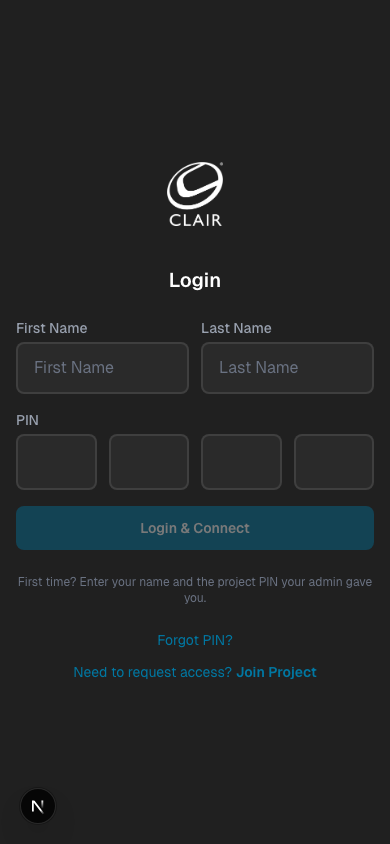
Your manager gives you a 4-digit PIN. Enter your first name, last name, and PIN — no email or password needed.
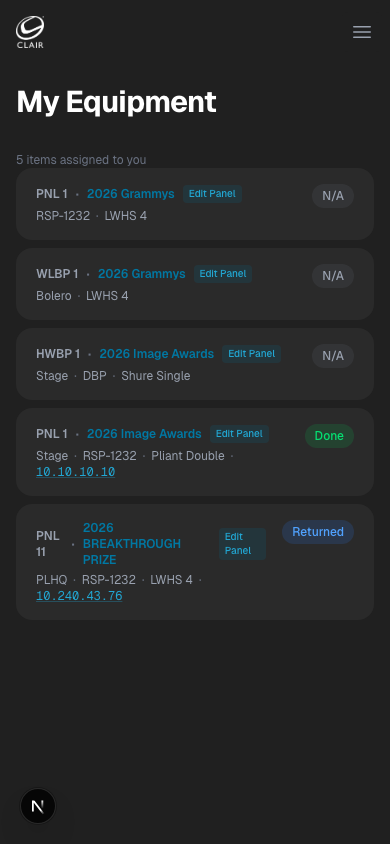
My Equipment is your home screen. It shows every piece of gear assigned to you — panel, beltpack, headset, location, and deploy status.
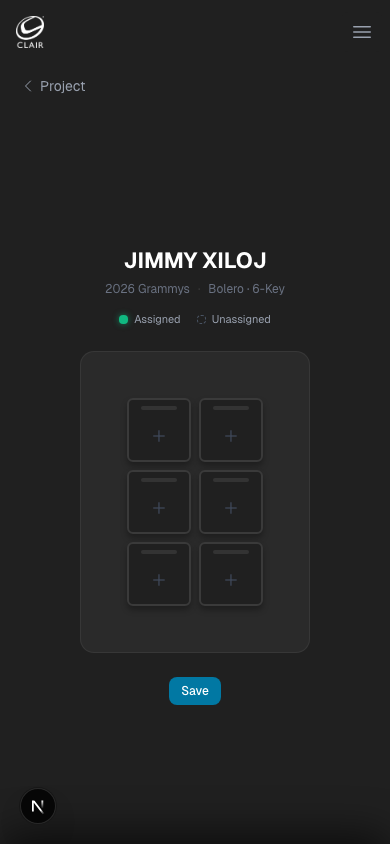
Tap any panel on My Equipment to open Panel Studio. See all your assigned keys and configure what each one does.
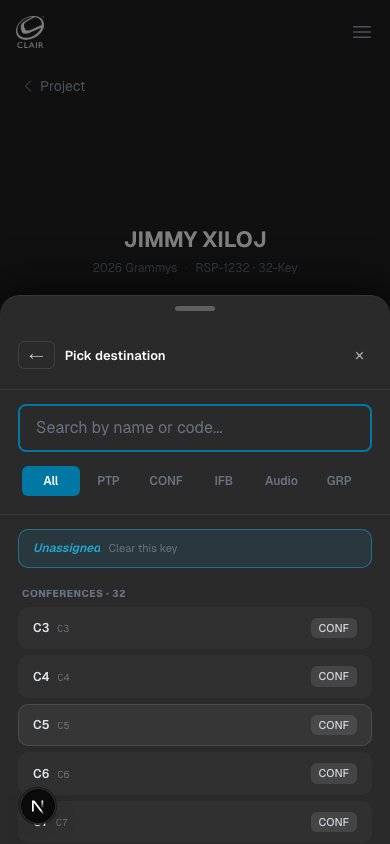
Tap a key then hit CHANGE to pick your destination from the pick list — conferences, IFBs, PTPs, audio, and more. Submit for manager approval when done.
Your manager gives you a 4-digit PIN. Enter your first name, last name, and PIN — no email or password needed.
My Equipment is your home screen. It shows every piece of gear assigned to you — panel, beltpack, headset, location, and deploy status.
Tap any panel on My Equipment to open Panel Studio. See all your assigned keys and configure what each one does.
Tap a key then hit CHANGE to pick your destination from the pick list — conferences, IFBs, PTPs, audio, and more. Submit for manager approval when done.
How it works
For Managers
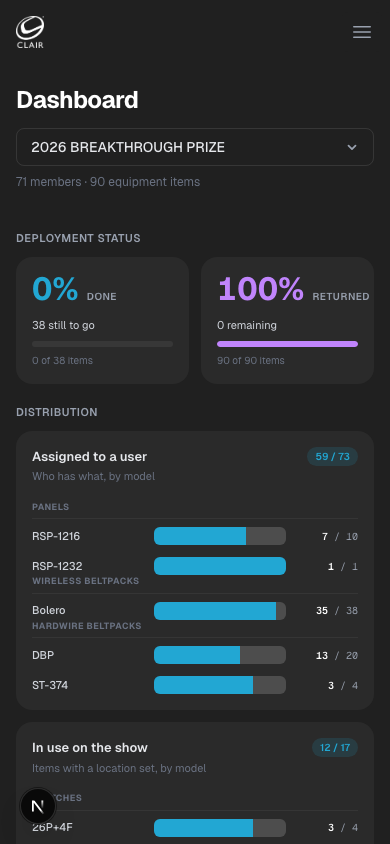
Switch between projects from the top-right switcher. The dashboard gives you a live view of deployment and assignment progress.
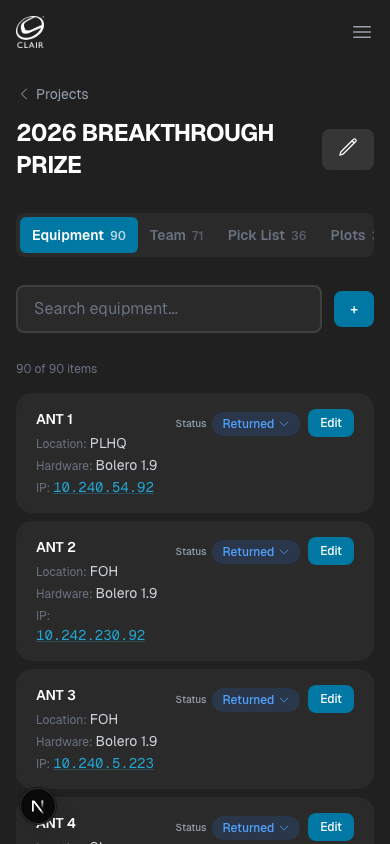
On the Equipment tab, assign panels, beltpacks, and headsets to individuals. Filter by category, hardware type, or location.
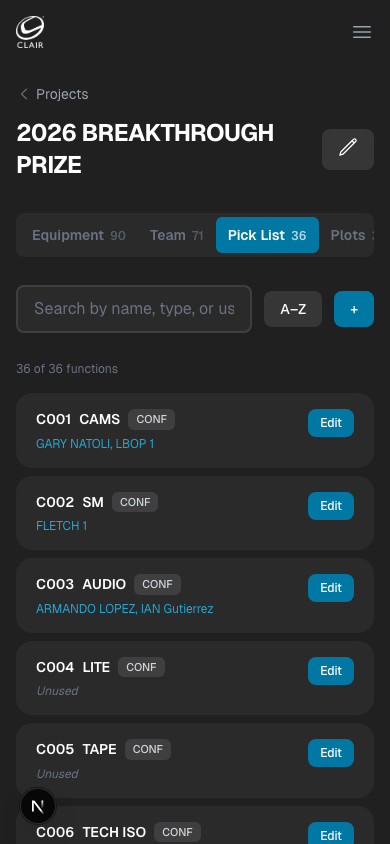
The Pick List auto-generates from your roster. Use it to verify everyone's gear is accounted for before the show.
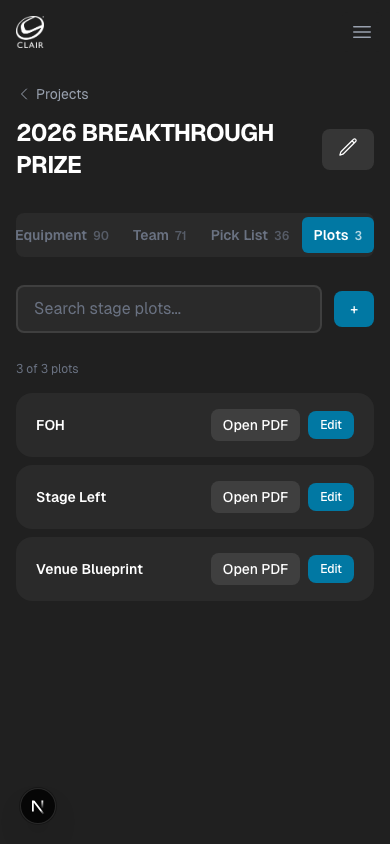
Upload the venue blueprint as a PDF. Crew and managers can open it from the Plots tab at any time during the show.
Switch between projects from the top-right switcher. The dashboard gives you a live view of deployment and assignment progress.
On the Equipment tab, assign panels, beltpacks, and headsets to individuals. Filter by category, hardware type, or location.
The Pick List auto-generates from your roster. Use it to verify everyone's gear is accounted for before the show.
Upload the venue blueprint as a PDF. Crew and managers can open it from the Plots tab at any time during the show.
What's inside
Ready to run your show?
Log in with your name and PIN to get started.